
Cookie Policy
At UI/UX Masters, we are committed to transparency about how we collect, use, and protect your information. This Cookie Policy explains what cookies are, how we use them on our website, and your choices regarding their use.
What Are Cookies?
Cookies are small text files that are stored on your device (computer, smartphone, or tablet) when you visit a website. They are widely used to make websites work more efficiently and provide information to the website owners. Cookies enhance user experience by remembering your preferences and enabling certain features.
These files contain information that is transferred to your device's hard drive. They help us distinguish you from other users, which allows us to provide you with a more personalized experience when you browse our website and improve the functionality of our services.

Types of Cookies We Use
We use different types of cookies to enhance your browsing experience and provide our services effectively.
Essential Cookies
These cookies are necessary for the website to function properly. They enable core functionality such as security, network management, and accessibility. You cannot opt out of these cookies as they are essential for the website to work.
Performance Cookies
These cookies collect information about how visitors use our website, such as which pages are visited most often. This data helps us improve our website's performance and understand user behavior patterns.
Functional Cookies
These cookies allow the website to remember choices you make and provide enhanced, more personal features. They may also be used to provide services you have asked for such as watching a video or commenting on a blog.
How We Use Cookies
Website Functionality
To ensure our website works correctly and provides the services you expect, including maintaining your preferences and settings.
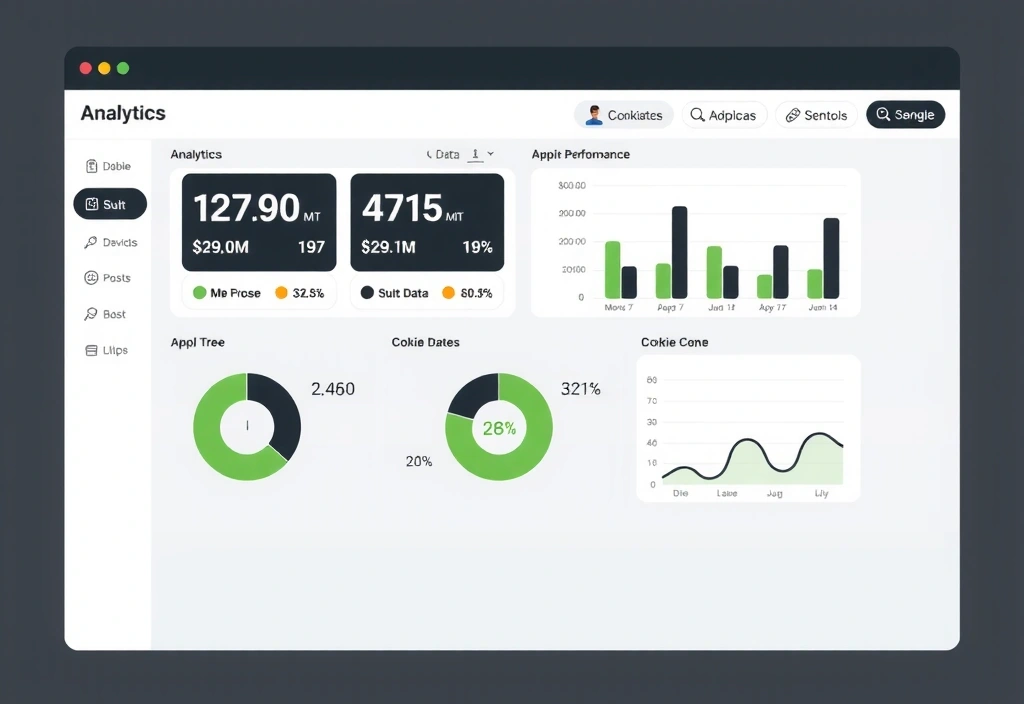
Analytics and Performance
To understand how visitors interact with our website, helping us improve user experience and optimize our content and services.
Personalization
To remember your preferences and provide a more personalized experience, including content recommendations and customized user interfaces.
Security
To protect our website and users from fraudulent activity and ensure the security of your personal information and transactions.
Third-Party Cookies
Some cookies are placed by third-party services that appear on our pages. We use several third-party services that may set cookies to provide their services.
| Service Provider | Purpose | Cookie Type | Duration |
|---|---|---|---|
| Google Analytics | Website analytics and user behavior tracking | Performance | 2 years |
| Google Tag Manager | Manage website tags and tracking codes | Essential | Session |
| Hotjar | Heatmaps and user session recording | Performance | 1 year |
| Facebook Pixel | Social media advertising and retargeting | Marketing | 90 days |
| LinkedIn Insight Tag | Professional networking advertising | Marketing | 90 days |
Managing Your Cookie Preferences
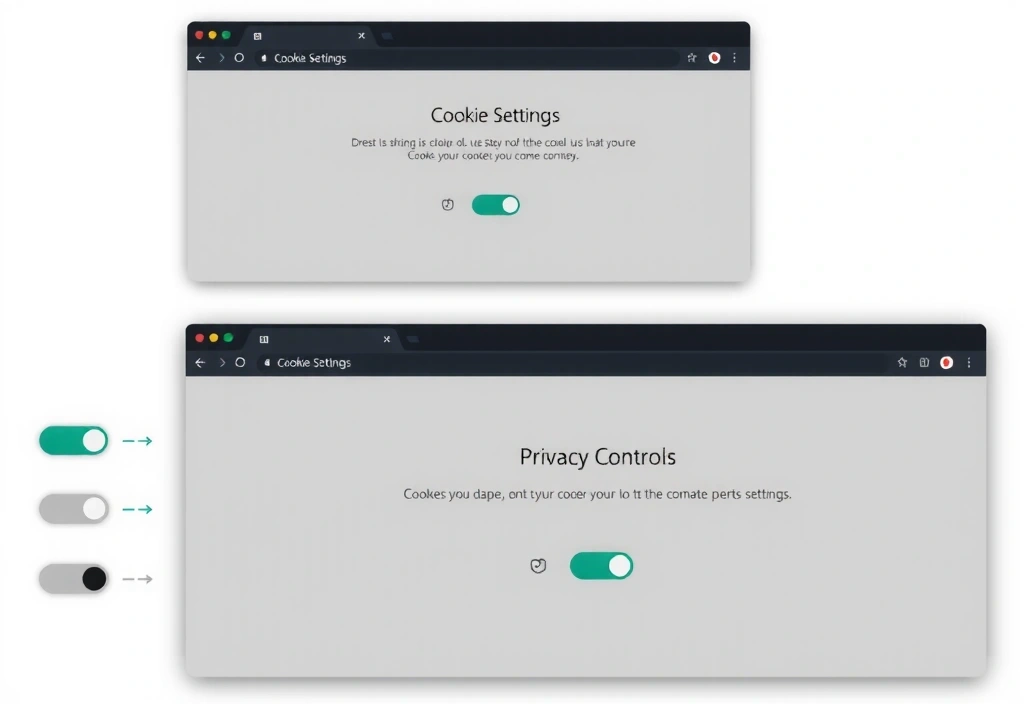
You have the right to control how cookies are used on your device. Most web browsers allow you to manage your cookie preferences by adjusting the settings in your browser preferences menu.
Browser Settings: Configure your browser to accept, reject, or notify you when cookies are set
Cookie Consent Tool: Use our cookie consent banner to manage your preferences
Opt-out Tools: Use industry opt-out tools to manage advertising cookies
Browser-Specific Instructions
Different browsers offer different methods for blocking and deleting cookies. Here are instructions for the most popular browsers:
Google Chrome
- 1 Click the menu icon (⋮) in the top-right corner
- 2 Select "Settings" and then "Privacy and security"
- 3 Click "Cookies and other site data"
- 4 Configure your cookie preferences
Mozilla Firefox
- 1 Click the menu button (☰) in the top-right corner
- 2 Select "Preferences" and then "Privacy & Security"
- 3 Under "Cookies and Site Data", adjust your settings
- 4 Manage exceptions to customize cookie behavior
Safari
- 1 Open Safari and go to "Preferences"
- 2 Click the "Privacy" tab
- 3 Select "Prevent cross-site tracking"
- 4 Manage website data and cookies
Microsoft Edge
- 1 Click the menu button (⋯) in the top-right corner
- 2 Select "Settings" and then "Cookies and site permissions"
- 3 Click "Cookies and site data"
- 4 Configure your cookie preferences
Updates to This Policy
We may update this Cookie Policy from time to time to reflect changes in our practices or for other operational, legal, or regulatory reasons. Any changes will be posted on this page with an updated revision date.
We encourage you to review this Cookie Policy periodically to stay informed about how we use cookies. Your continued use of our website after any modifications indicates your acceptance of the updated policy.
Last Updated: December 2024
Version: 2.1
Contact Us
If you have any questions about our Cookie Policy or how we handle your personal information, please don't hesitate to contact us.
Get in Touch
Address
71-75 Shelton Street, Covent Garden
London, WC2H 9JQ, United Kingdom
Phone
+44 20 3129 5098Business Hours
Monday - Friday: 09:00 - 18:00
Weekends: Closed
Your Privacy Matters
We are committed to protecting your privacy and being transparent about our data practices. By using our website, you consent to our use of cookies as described in this policy.